
Overview #
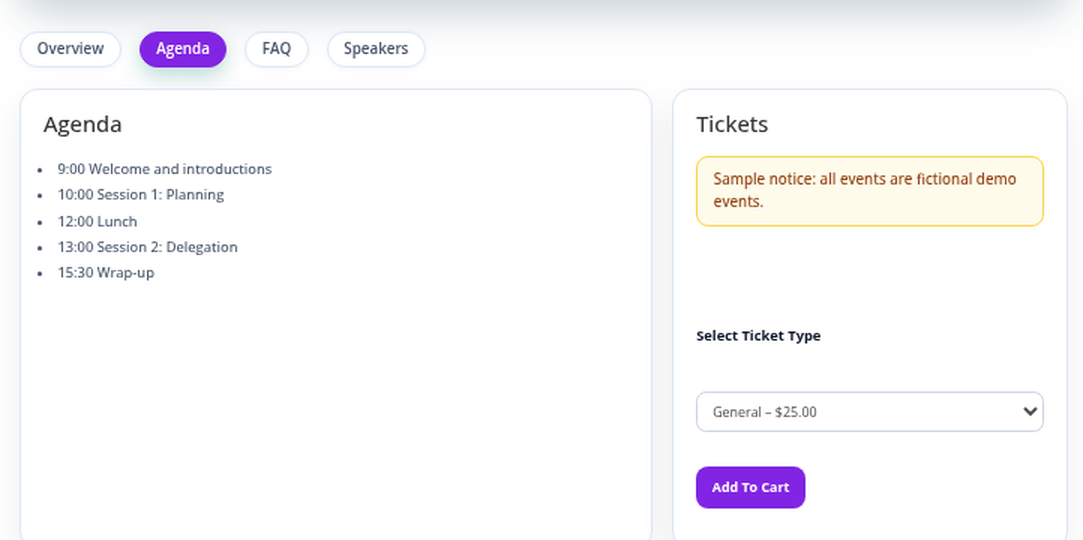
Tabs appear as buttons under the event header. Clicking one shows its content.
Where to Find It #
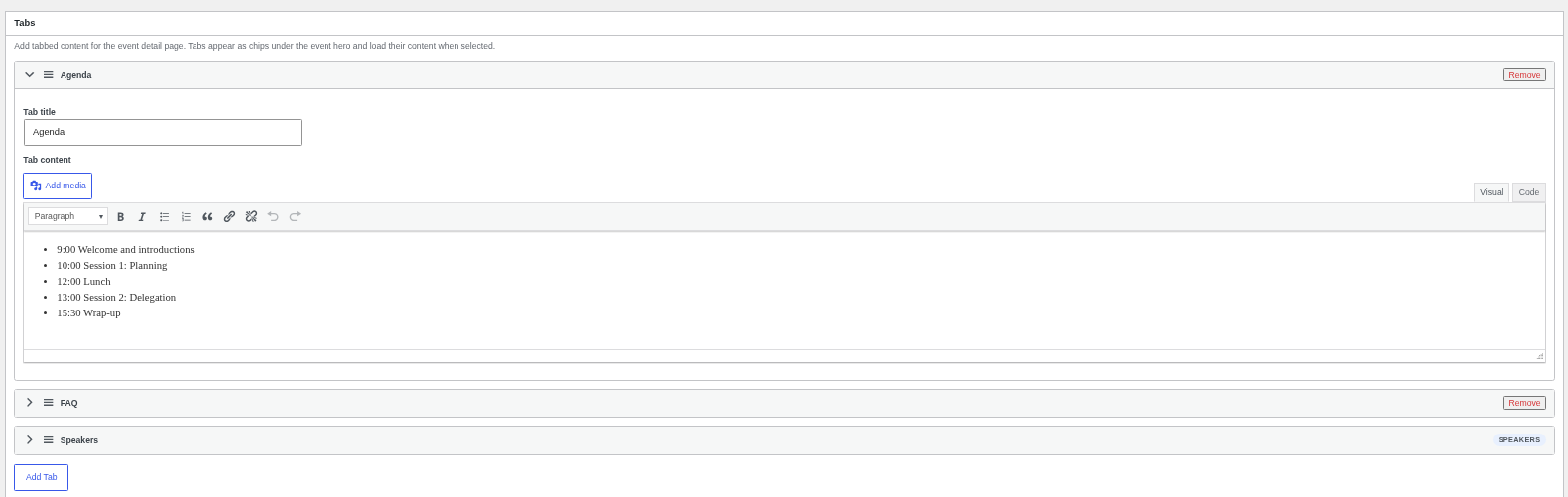
Edit an event and find the Tabs box.
How to Add a Tab #
- Click Add Tab.
- Enter a Tab title and Tab content.
- Drag tabs to reorder, then update the event.
If the event has speakers, a Speakers tab is added automatically.
Best Practices #
- Use short tab names (one or two words).
Troubleshooting #
- The Speakers tab cannot be edited: It is built from the speakers assigned to the event.
That’s it, dawg!


