
Where to Find It #
Go to Huski Events > Customize Styles (/wp-admin/edit.php?post_type=huskievent&page=huskievents-styles).
Front-End Styles #
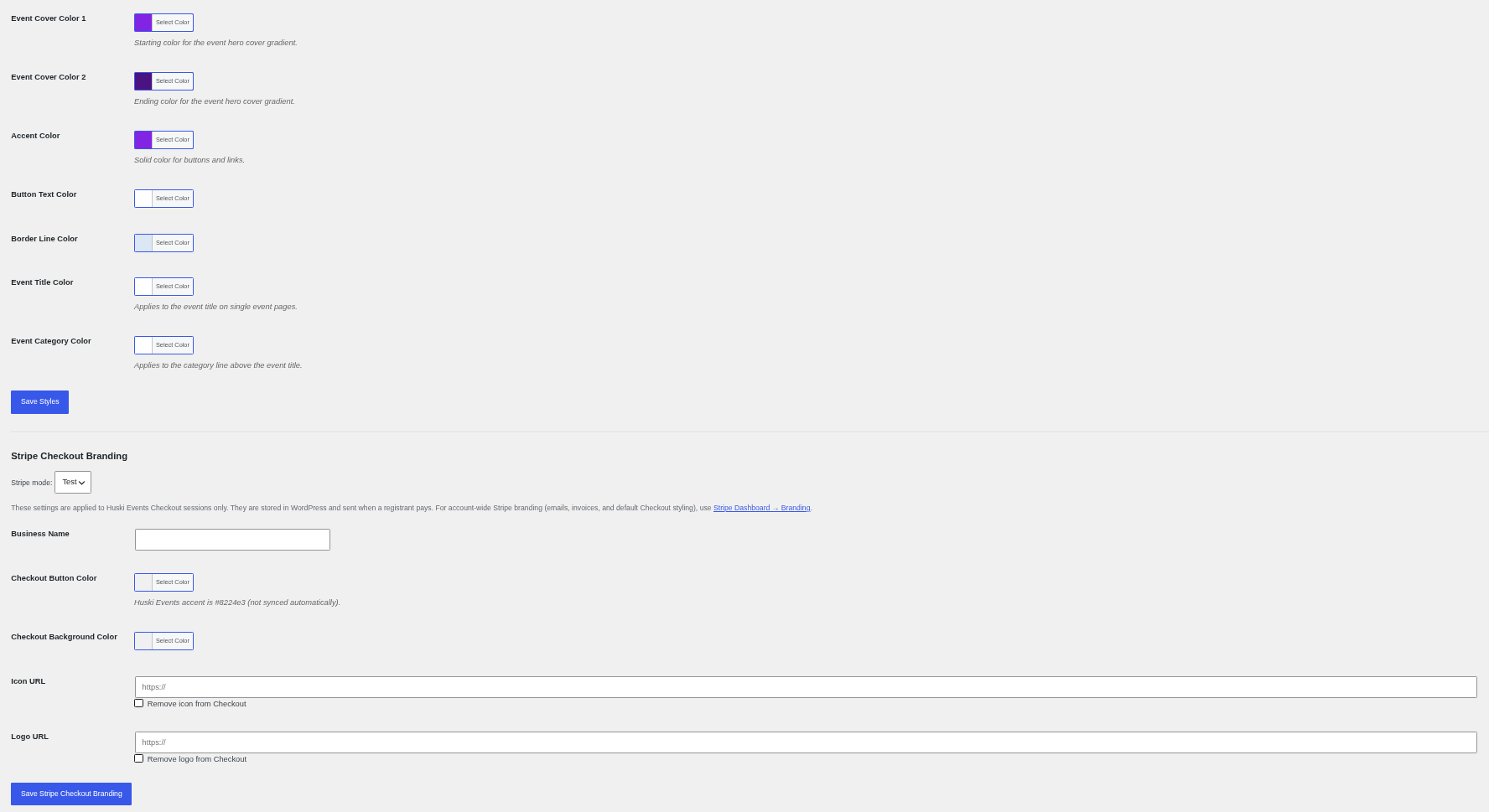
- Typography and Round Corners: Theme or plugin fonts; rounded or square.
- Grid Category Pill Position: Top right or top left of the grid image.
- Event Cover Color 1 and 2: The event header gradient.
- Accent, Button Text, Border Line: Buttons, links, and borders.
- Event Title and Category Color: Single event page title and category line.
Stripe Checkout Branding #
Set a Business Name, button and background colors, and icon or logo URLs for the Stripe payment page. These apply only to Huski Events payments.
Best Practices #
- Match the Checkout button color to your accent color; it is not synced automatically.
Troubleshooting #
- “Primary color must be a valid CSS hex color”: Use a value like #0f766e.
That’s it, dawg!


