
How to Duplicate #
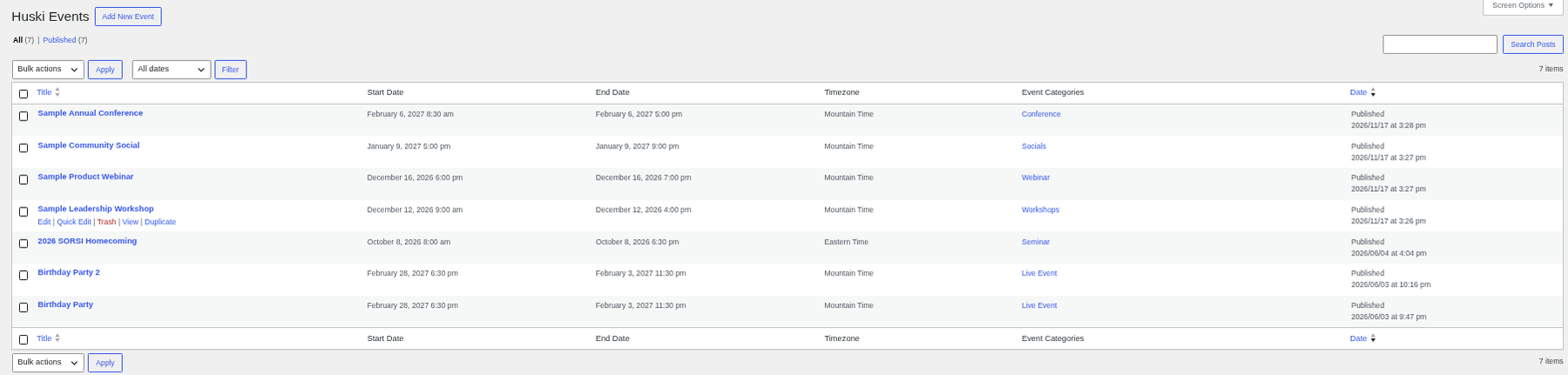
- Go to Huski Events > All Events.
- Hover over an event and click Duplicate.
- Review the copy (its title ends in “(Copy)”), change dates and details, and publish.
Best Practices #
- Update dates, ticket sale dates, and stock on the copy before publishing.
Troubleshooting #
- The copy has old dates: Dates are copied; change them.
That’s it, dawg!


