
Overview #
Settings has four tabs: General, Payments, Integrations, and Shortcodes.
Where to Find It #
Go to Huski Events > Settings (/wp-admin/edit.php?post_type=huskievent&page=huskievents-stripe).
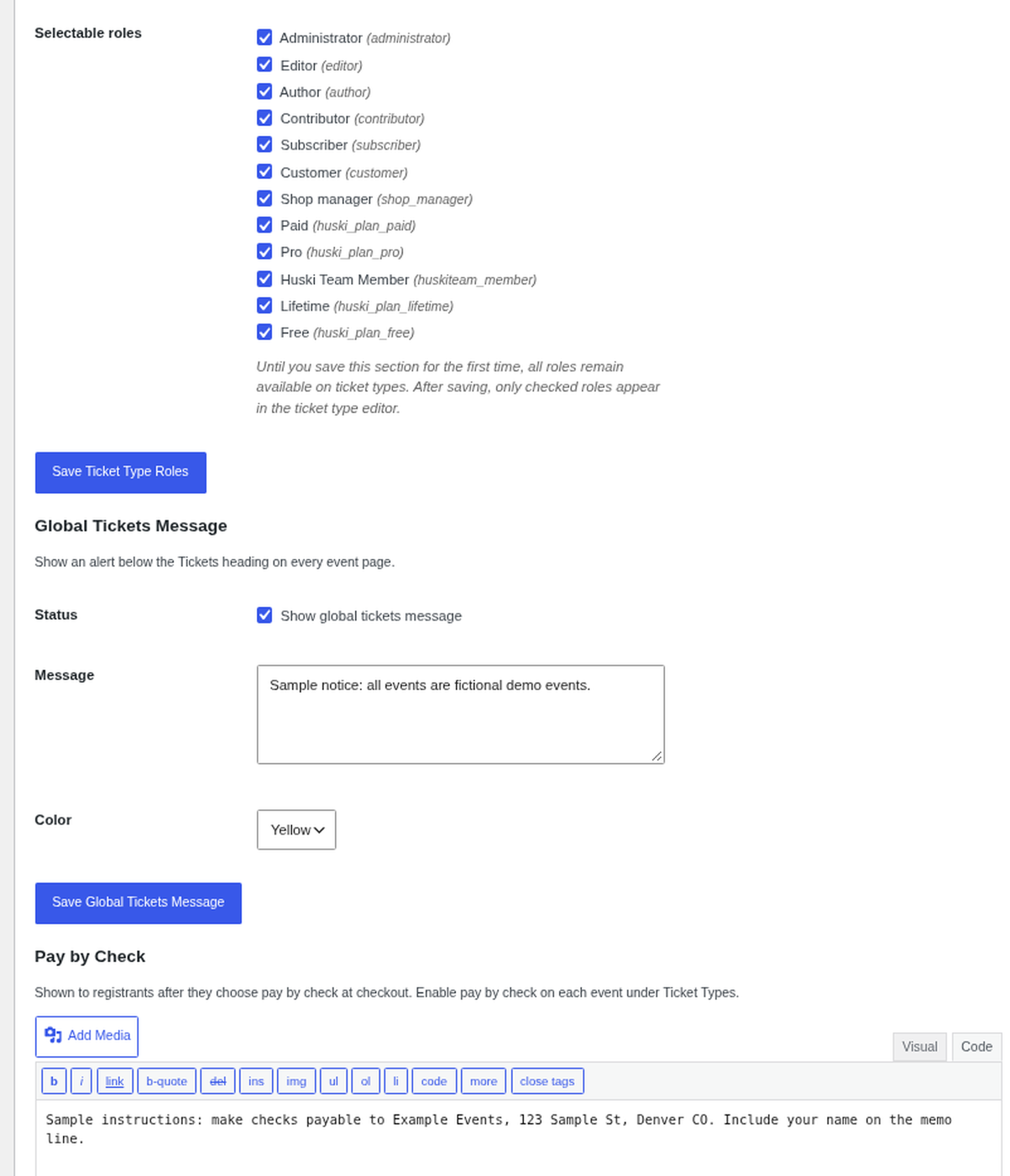
Ticket Type Roles #
Pick which WordPress roles appear when restricting ticket types. Until you save this once, all roles show.
Global Tickets Message #
Show a Green, Yellow, or Red alert below the Tickets heading on every event page.
Pay by Check #
Instructions shown after someone chooses Pay by Check (for example, who to make the check out to and where to mail it). Turn on pay by check for each event under Ticket Types.
License Key #
At the top of the General tab, enter your HostHuski License Key, click Validate key, then click Save License Key. It is needed to receive Huski Events updates.
Best Practices #
- Include a deadline in your pay-by-check instructions.
Troubleshooting #
- A role is missing on tickets: Tick it under Ticket Type Roles and save.
That’s it, dawg!


